Kitano Medical Research Institute, Public Interest Incorporated Foundation, Tatsunokofukai
Inquiry
search
close


what's new

Your current health insurance card will no longer be valid from December 2, 2025. From now on, you will need to use your My Number Card (My Number Health Insurance Card) as your health insurance card, so please do not forget to register.
Also,"My Number Home Reception Web"By using this service, patients can smoothly complete the procedures required for insured medical treatment in advance from the comfort of their own homes, reducing the burden on patients.
This is a system that allows patients who have a My Number health insurance card to present the health insurance card information required for insured medical treatment via the Internet. By using this system, patients can smoothly present the insurance qualifications required for insured medical treatment in advance from the comfort of their own home, reducing the burden on patients.
● Smartphone (capable of reading My Number cards)
●My Number Card
● 4-digit PIN number for My Number Card
①Install the "My Number Portal App" on your smartphone.
② If you are using the My Number Portal app for the first time, select "New Registration" and enter the required information (name, address, date of birth, phone number, etc.). If you have already registered, log in using your login ID and password.
③ Link your My Number card and health insurance card.
①Click on "Access My Number Home Reception Website" below or access the "My Number Home Reception Website" via the QR code.
Access the Myna Home Reception Web site
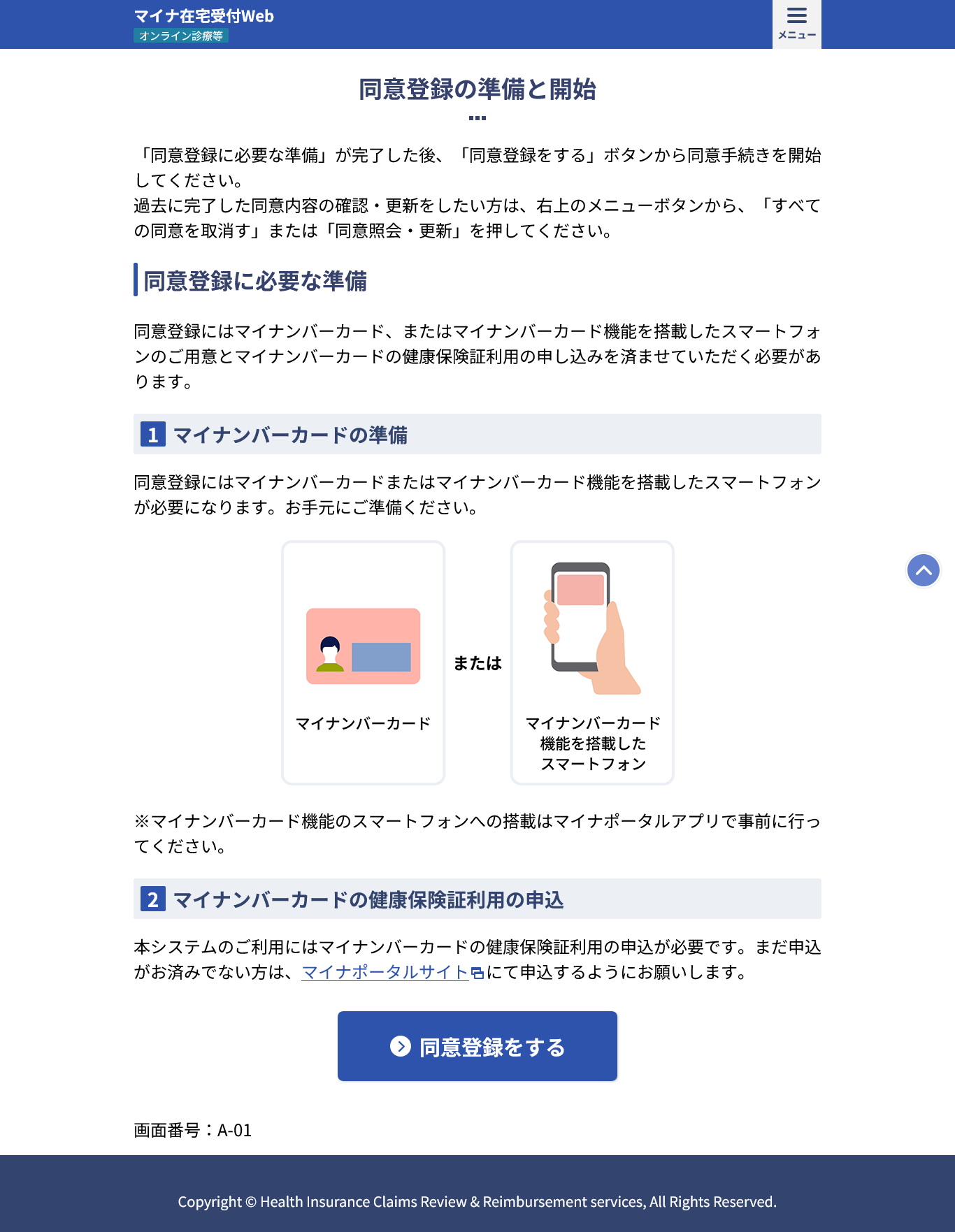
② Please read the contents of "Preparing and starting consent registration" and if you agree, click "Register consent."
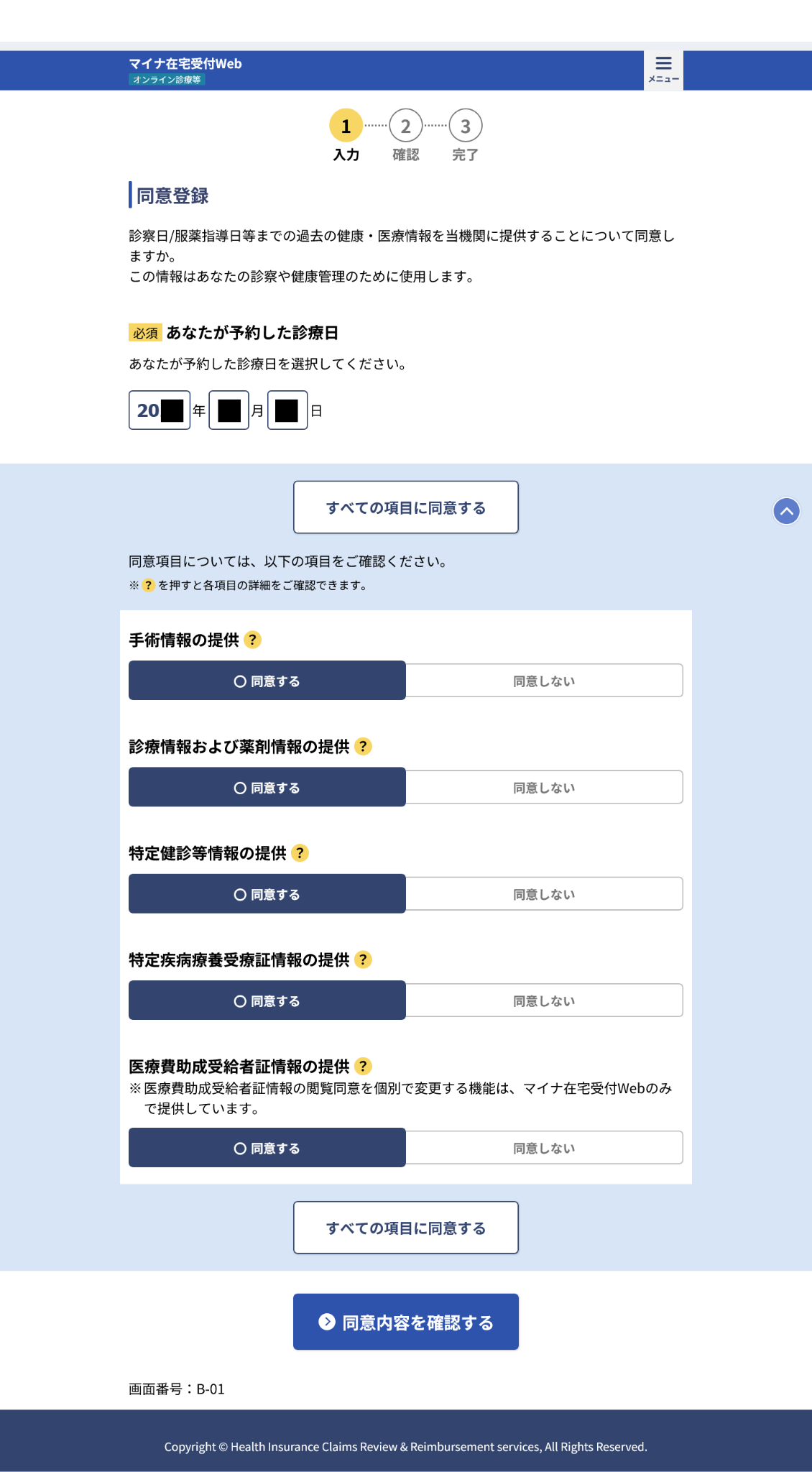
③A screen for entering the appointment date will appear, so please enter the date you plan to have your appointment.
*If the date of your appointment changes, please be sure to re-register. The data will not be updated.
Please check the consent items, select whether you agree to each item, and click "Confirm consent details."
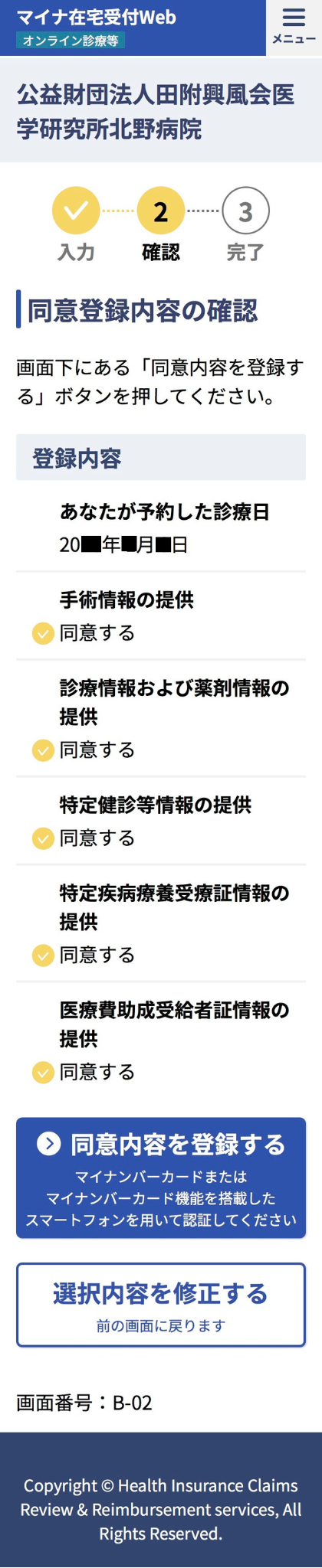
④If there are no problems with the content you have agreed to, please click "Register consent."
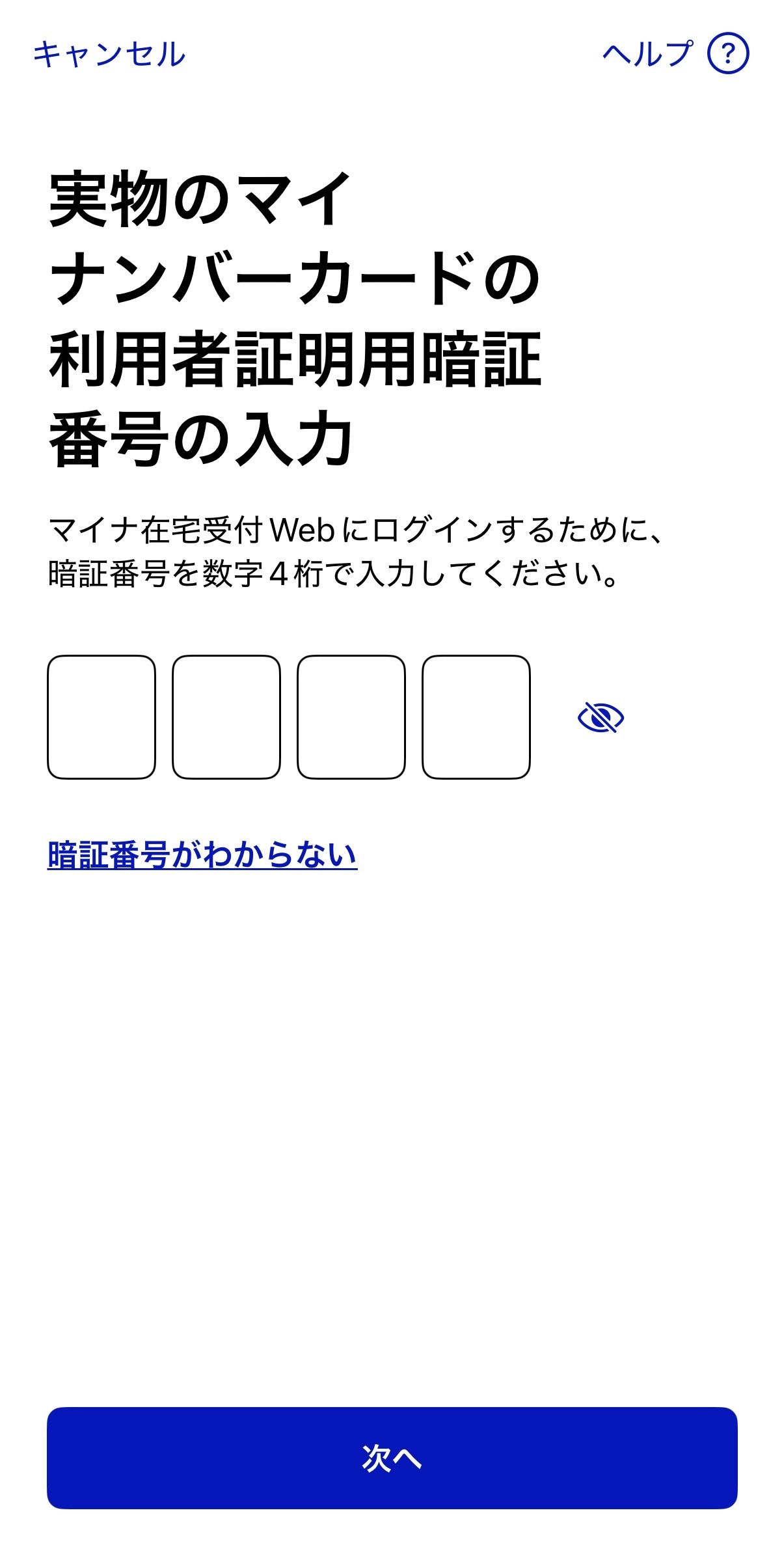
⑤Please enter the 4-digit PIN number you used when registering your My Number Card.
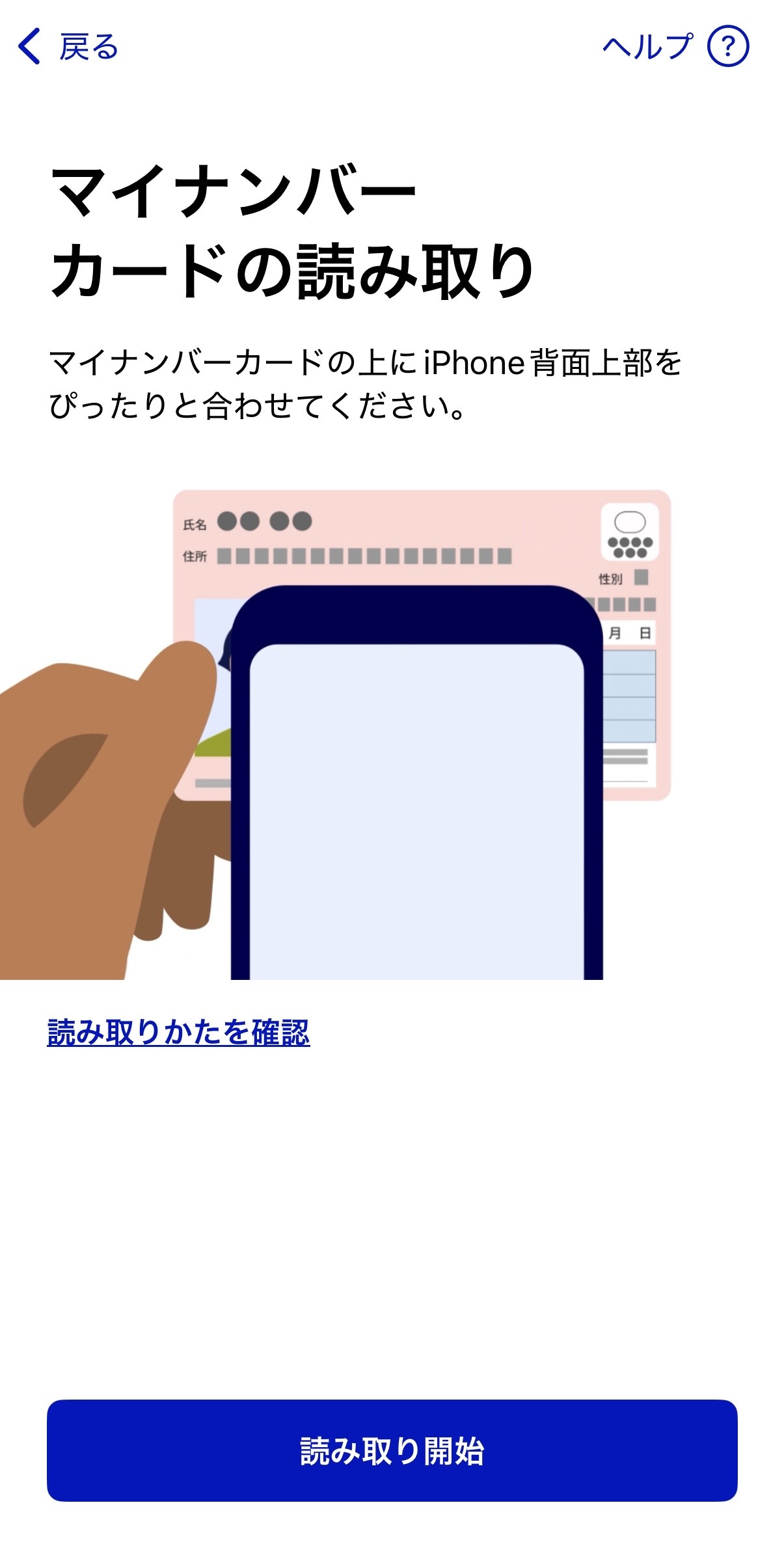
⑥ Place your My Number card and smartphone as shown on the screen and press "Start reading."
⑦ When "Consent registration completed" is displayed, your registration is complete. On the day of your appointment, we will verify your eligibility online.
*Patients who have completed consent registration do not need their My Number card on the day of the examination or consultation.
*For those who have a medical expenses subsidy certificate
Depending on the city or town, your card may not be registered as a My Number insurance card, so please bring your beneficiary card with you when you visit our clinic.


